SheenCloud

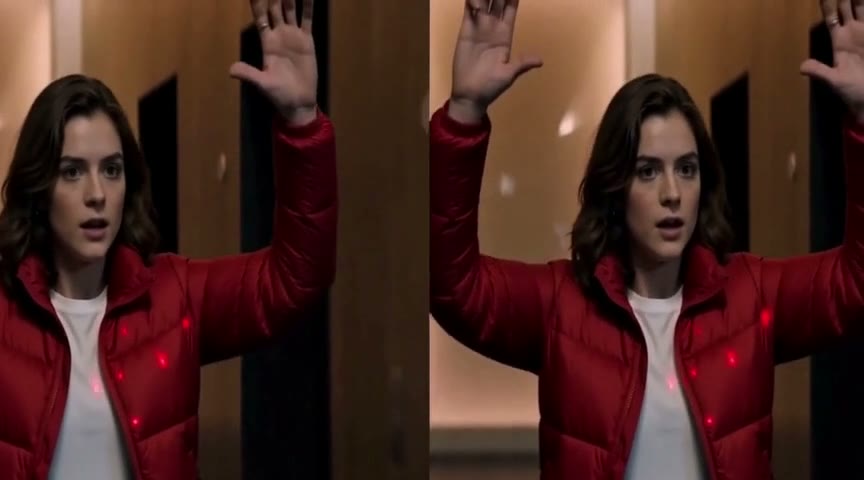
AI image & video creation platform — upload your media and turn imagination into visuals in seconds.

Features

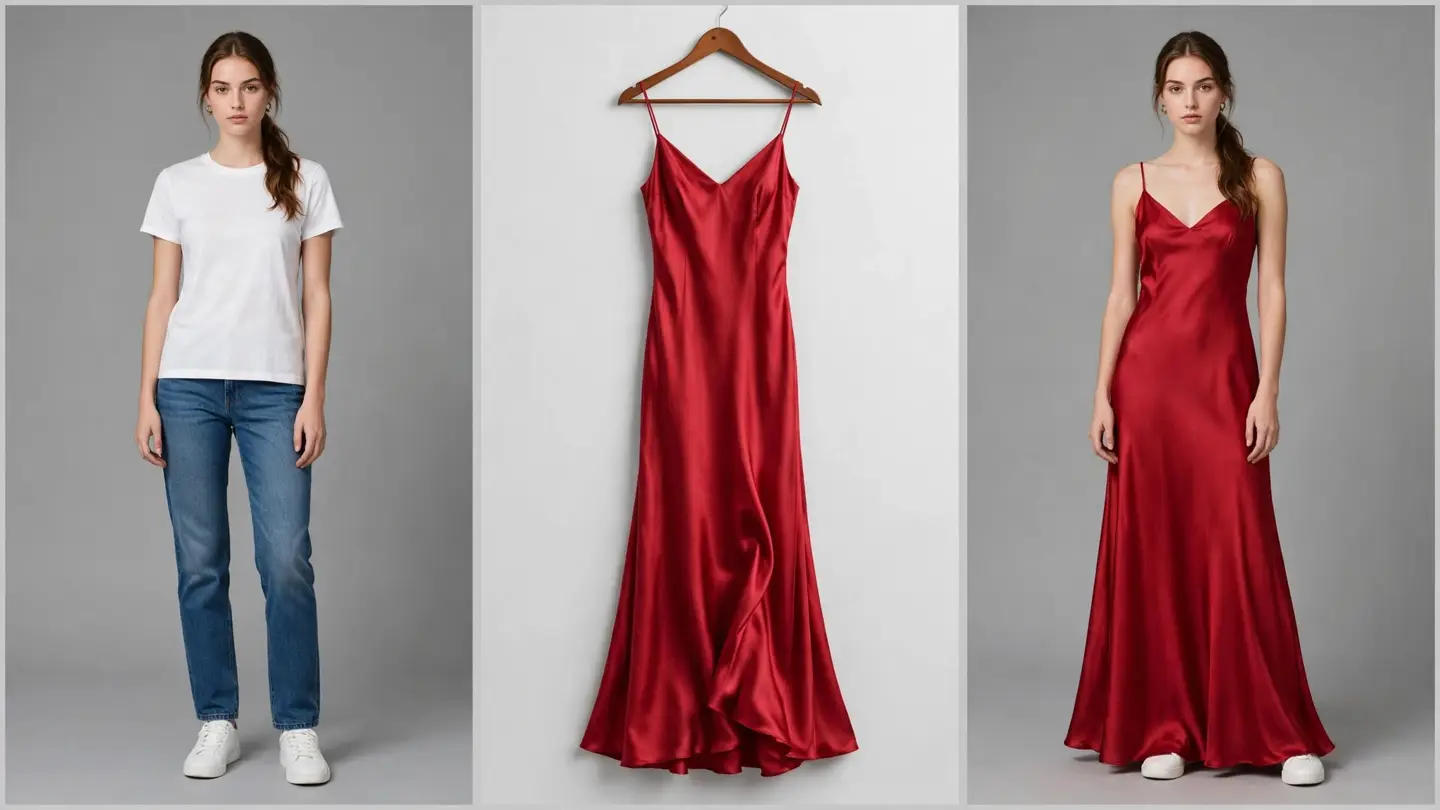
  • AI Outfit Changer
  • AI Background Remover & Replacer
  • AI Face Swap (Photo)
  • AI Character Swap
  • AI Anime Stylizer
  • AI Text to Image
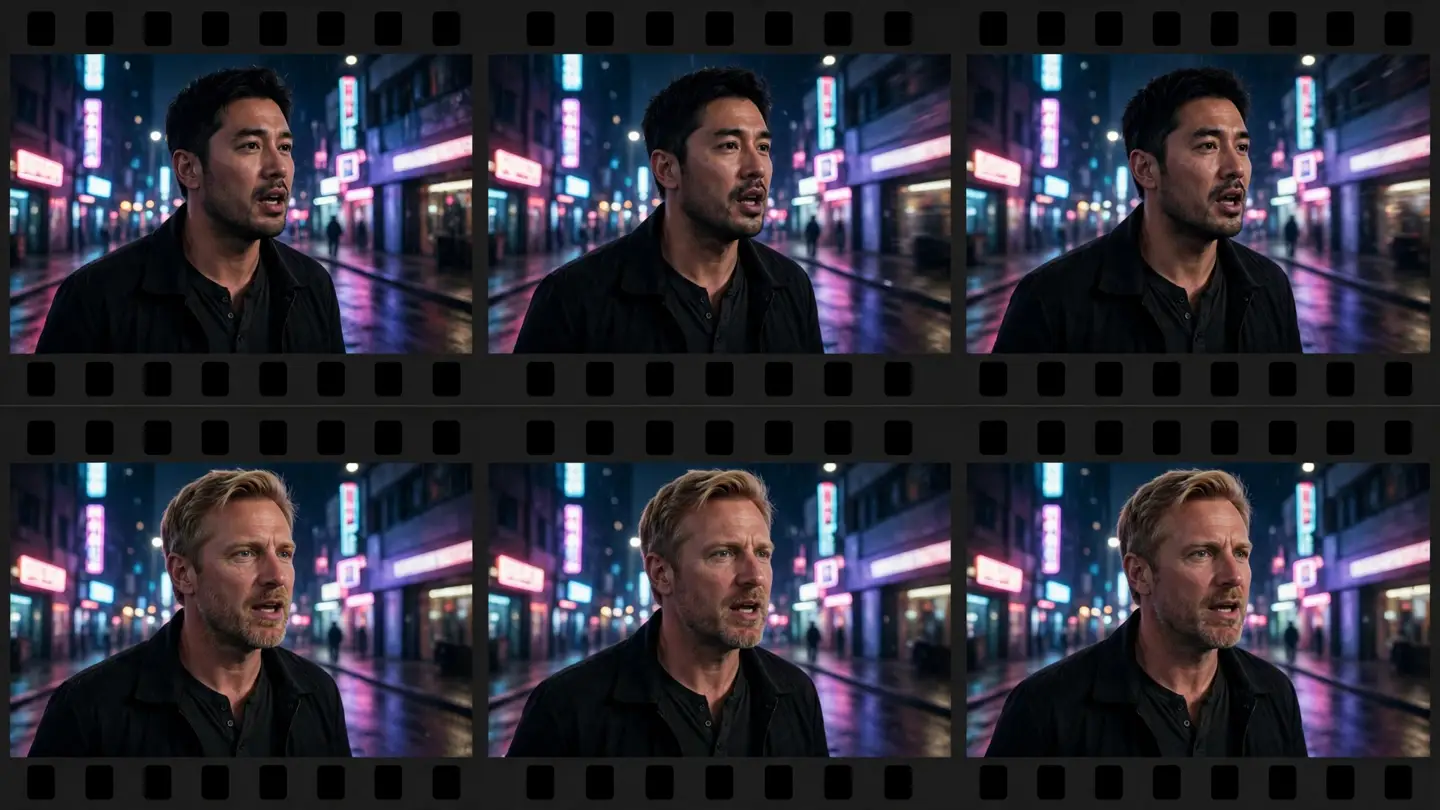
  • AI Video Face Swap
  • AI Text to Video
  • AI Image to Video
  • AI Video Character Replace

Resources

  • Start creating
  • All features
  • FAQ
  • Blog

Legal

  • Privacy Policy
  • Terms of Service

© 2026 SheenCloud. All rights reserved.

SheenCloud
Home

Image

👔Outfit ChangeUpload a photo and let AI swap the outfit in one click — draped naturally to the body, with matching light and shadow.🖼️Background EditorRemove backgrounds in one click and drop in any scene — with hair-level edge precision.😀Face SwapUpload the original photo and the target face — AI blends features, skin tone, and expression seamlessly.🦸Character SwapSwap the person in any photo with a character of your choice — pose and action perfectly preserved.✨Anime StyleTurn real photos into Pixar, Ghibli, anime, and more cartoon styles.🎨Text to ImageType a sentence and AI generates the image — photos, illustrations, product shots, design renders.

Video

🎥Text to VideoType a sentence, get a video — with optional first and last frames, camera moves and transitions in one take.🎬Video Face SwapFrame-by-frame face tracking for video — smooth, flicker-free, with original audio preserved.🖼️Image to VideoUpload reference images, write a sentence, and AI turns them into video — subject and style locked to your images.🎭Video Character ReplaceUpload character photos and a target video — AI swaps the character in the video for the person you choose, keeping the motion and scene intact.
Browse all features
📰BlogArticles, guides and technical breakdowns
Pricing
Home

Image

👔Outfit ChangeUpload a photo and let AI swap the outfit in one click — draped naturally to the body, with matching light and shadow.🖼️Background EditorRemove backgrounds in one click and drop in any scene — with hair-level edge precision.😀Face SwapUpload the original photo and the target face — AI blends features, skin tone, and expression seamlessly.🦸Character SwapSwap the person in any photo with a character of your choice — pose and action perfectly preserved.✨Anime StyleTurn real photos into Pixar, Ghibli, anime, and more cartoon styles.🎨Text to ImageType a sentence and AI generates the image — photos, illustrations, product shots, design renders.

Video

🎥Text to VideoType a sentence, get a video — with optional first and last frames, camera moves and transitions in one take.🎬Video Face SwapFrame-by-frame face tracking for video — smooth, flicker-free, with original audio preserved.🖼️Image to VideoUpload reference images, write a sentence, and AI turns them into video — subject and style locked to your images.🎭Video Character ReplaceUpload character photos and a target video — AI swaps the character in the video for the person you choose, keeping the motion and scene intact.

Resources

📰BlogArticles, guides and technical breakdownsPricing

Blog

News, technical breakdowns, and guides for AI image and video creation.
All (3)News (0)Technical articles (0)Guides (3)
GuidesNovember 12, 20265 min readAI Video Face Swap Without Watermark: What Actually Works in 2026Swap a face in a video with AI by uploading a clear face photo and the video — the tool tracks the face frame by frame and keeps the original audio. Here is how it works, what a 5-minute video actually costs, and how to get a watermark-free result.GuidesNovember 9, 20265 min readHow to Replace a Person in a Video with AI (No Reshoot)Upload 1–5 photos of the person you want and the video to change, and AI replaces the person in the video while keeping the scene, motion, and timing. Here is how it works, what to prepare, and when to use it instead of a face swap.GuidesNovember 3, 20263 min readHow to Change an Outfit with AI: A Practical Guide for Sellers and CreatorsUpload a person photo and a garment photo, and AI drapes the garment onto the person with matching folds and lighting — usually in 1–3 minutes. Here is how to get a clean result, and what to check before you publish it.